



Printer recycling and disposal services
.svg)
Upgrade your home office without the e-waste headache.
.svg)

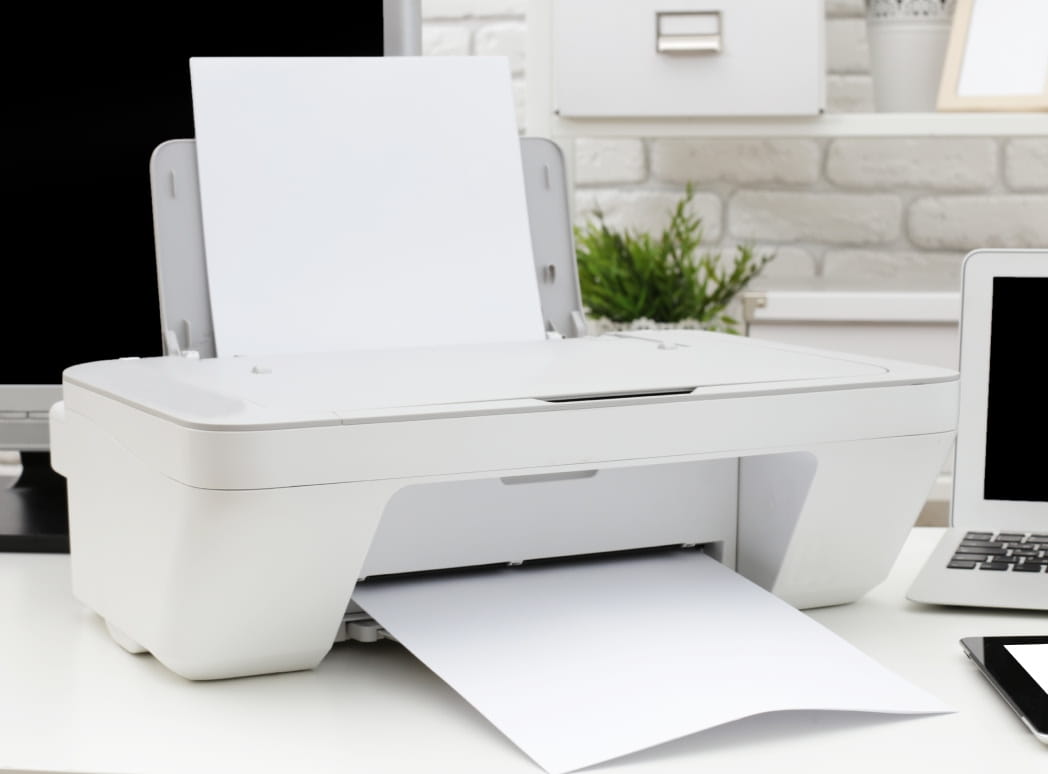

The smart way to recycle your old printer
Upgrading your office tech is exciting, but disposing of old printers is a challenge. Because they contain plastics, metals, and toxic chemicals, printers cannot be tossed in the trash and are often rejected by standard waste management.
1-800-GOT-JUNK? provides a stress-free solution with full-service, same-day removal. Our professional team handles everything from printers and monitors to computers, ensuring your e-waste is managed responsibly. Simply point to the electronics you want gone, and we’ll haul them away, leaving you with a clean, organized workspace.

How our printer disposal service works
In just 4 easy steps, you can reclaim your space, ready for endless possibilities.
Schedule appointment
- Book online or call us
- No deposit required
- Same-day service available
Get in-person estimate
- Two-person team
- Two-hour arrival window
- No obligation to proceed with the service
Watch us get to work
- Zero preparation needed
- We do all the heavy lifting
- We sweep up after
Responsible disposal
- Donation drop-off to local charities
- Recycling taken to local facilities
- We take care of all collecting and sorting
We recycle any printer and its accessories
- Inkjet printers
- Laser and LED printers
- MFPs (multifunction printers)
- Photograph printers
- Office printers
- 3D printers
- Ink cartridges
- Toner cartridges
- Cables
- Paper
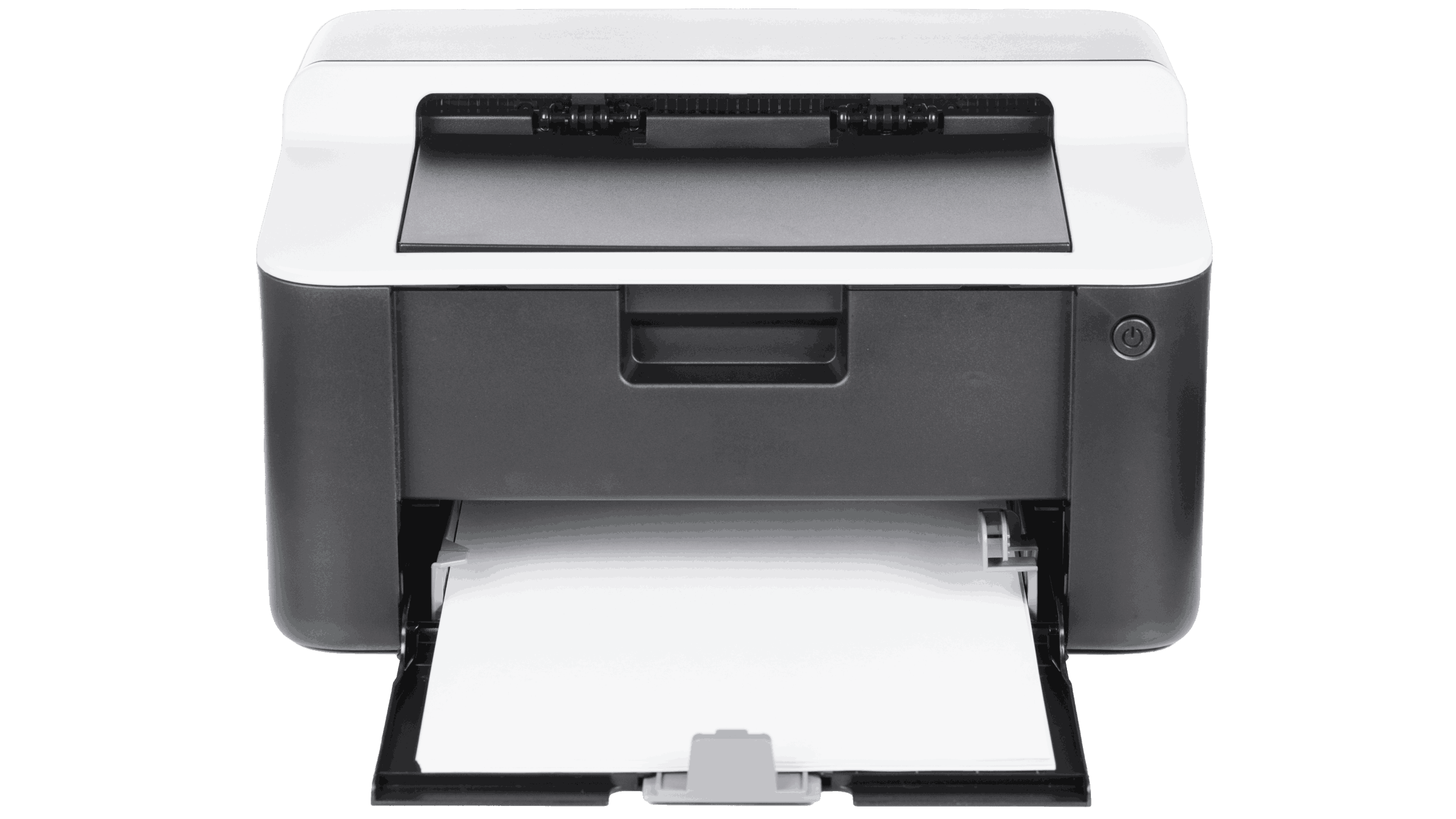
Sustainable printer recycling and donation
Sustainability is at the core of our electronics disposal process. According to the EPA, recycling consumer electronics conserves natural resources and prevents the greenhouse gas emissions associated with manufacturing virgin materials. When you choose 1-800-GOT-JUNK?, we ensure your printer is taken to a certified recycling center to be safely dismantled and sorted for reuse. If your printer is still in good working condition, we prioritize donating it to local charities to extend its lifespan and reduce waste. Our volume-based pricing covers all the heavy lifting and environmental fees, giving you peace of mind while doing your part for the planet.
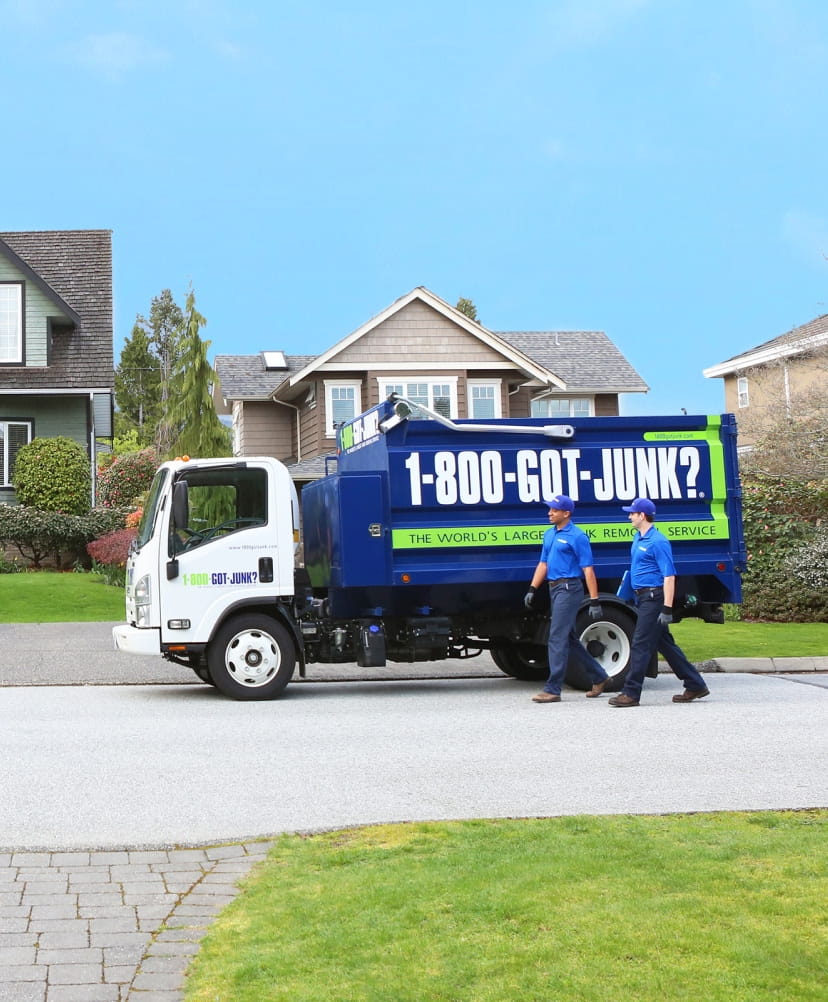
How pricing works for printer recycling
We charge by volume, which is how much space your items take up in the truck. We have a minimum charge for very small loads; from there, prices go from 1/8th of a truck up to a full truckload. We also have special pricing if you only have one single item. We can give you an exact price once we see the items in person.
Our prices include everything
- Junk removal from anywhere—no need to move items out
- Our friendly teams, who are fully licensed and insured
- All lifting, loading, and cleanup
- Disposal and environmental fees

Why choose us?
We provide fast, full-service junk removal to keep your home clutter-free.

Convenience
We offer same-day service and flexible scheduling to fit your busy lifestyle.

Two-person team
A professional, licensed, and insured two-person team will arrive at your home in uniform, ready to handle all your junk removal needs.

No heavy lifting
We’ll handle all the lifting and loading, and even sweep up when we’re done, leaving your space spotless.

Free, no-obligation estimates
To make sure you get the most accurate price possible, we provide in-person estimates at your convenience.

Peace of mind
We give old items a new life by recycling the recyclables and donating the donatables to keep as much as possible out of the landfill.

24/7 phone support
Our customer service team is available 24/7 to answer any questions.
Frequently asked questions
How can I remove (sanitize) my printer’s data before disposal?
Before disposing of any electronic device, it’s important to sanitize the data–even if you plan to use 1-800-GOT-JUNK?. While printers aren’t computers, they can still retain information from previous print jobs.
Perform a factory reset on your printer to wipe its memory and remove any SD cards. For more detailed information on sanitizing your printer, check out PaperCut’s guide to secure printer recycling.
After you’ve sanitized your data, 1-800-GOT-JUNK? will happily pick up your printer and recycle it for you.
Is it necessary to remove ink cartridges before recycling a printer?
Yes, removing old ink cartridges ensures they are properly recycled. While some recycling depots may check for and remove ink cartridges from your printer, doing it yourself helps to ensure they end up in the right place.
What are the steps to remove a printer from my computer’s devices list?
Instructions for removing a printer from your computer may vary slightly depending on your operating system.
Don’t just take our word for it
Real customer reviews, typos and all ;)

Markel and Will came out and were amazing! They helped get rid of some hard stuff that we had trouble moving. They were super friendly and very professional and we would love for them to come back and help again when we need to get rid of some more junk in the future.


Antonio and Kevin were great to work with! They came out on a cold snowy evening and were so professional and kind! They were quick and hauled away items from our basement and other yard items. We were calling places to compare prices and they were the most responsive and fair company!
I needed some stuff picked up late on a Friday and 1-800-GOT-JUNK was able to make it happen in less than an hour. Holly showed up and loaded the truck up in no time at all. If you need something picked up with no hassle, give them a call.

Before disposing of any electronic device, it’s important to sanitize the data–even if you plan to use 1-800-GOT-JUNK?. While printers aren’t computers, they can still retain information from previous print jobs.
Perform a factory reset on your printer to wipe its memory and remove any SD cards. For more detailed information on sanitizing your printer, check out PaperCut’s guide to secure printer recycling.
After you’ve sanitized your data, 1-800-GOT-JUNK? will happily pick up your printer and recycle it for you.
Yes, removing old ink cartridges ensures they are properly recycled. While some recycling depots may check for and remove ink cartridges from your printer, doing it yourself helps to ensure they end up in the right place.
Instructions for removing a printer from your computer may vary slightly depending on your operating system.